
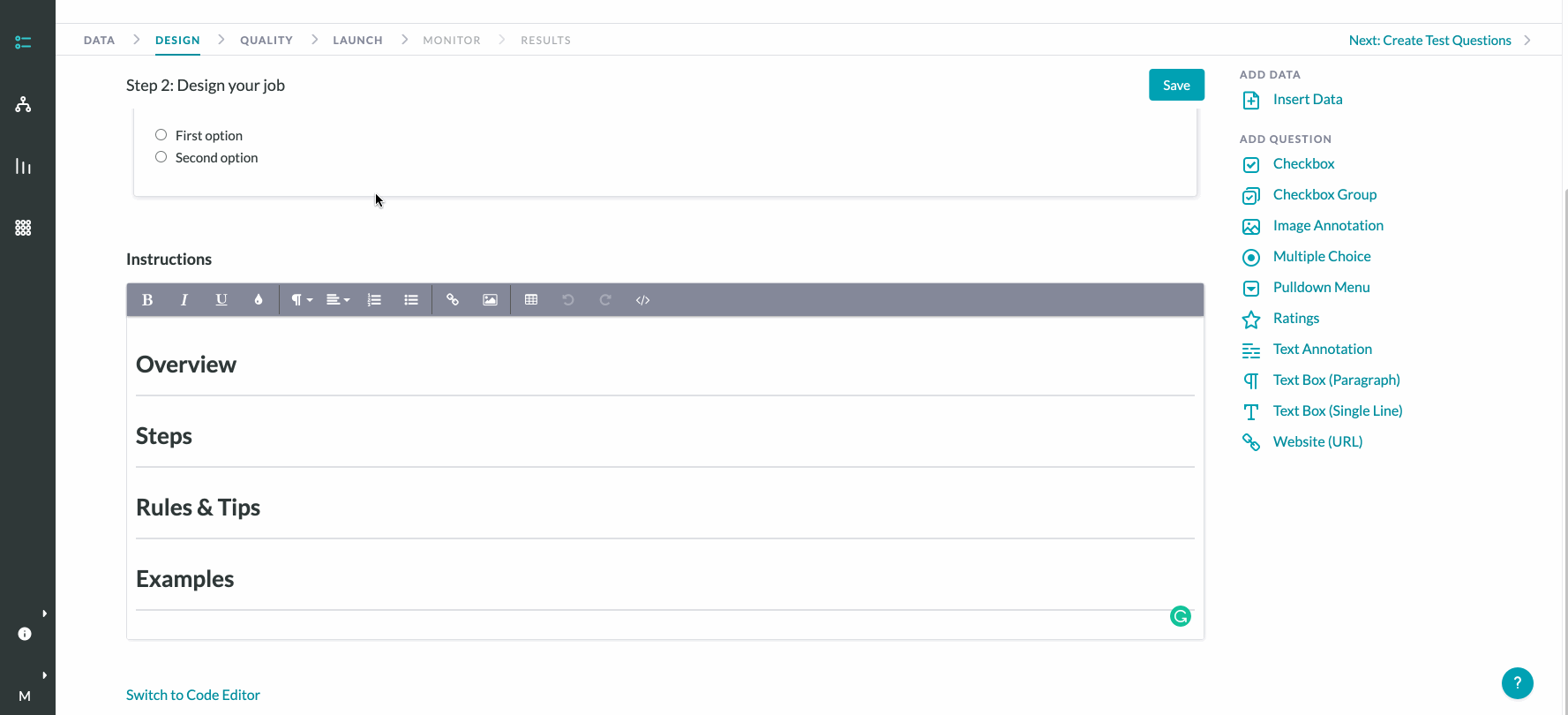
Custom CSS codes may be used in combination with HTML to create job designs with highly customized styling. You can insert CSS codes in your job by navigating to the Design tab, click "Switch to Code Editor", and then select "Show Custom CSS/JS" to open the CSS code editor.
The table below highlights a non-exhaustive list of CSS/HTML code snippets for frequently requested special stylings.
*Important Note: Switching back to the Graphical Editor once saving custom code in the Code Editor is disallowed - only the Code Editor can be accessed once it has been used to customize a job. Legacy jobs with custom code that is not readable by the Graphical Editor will not be able to access that interface either.
|
Purpose |
CML |
CSS |
|
Display a group of checkboxes in two columns rather than one vertical column |
Create a div around the checkbox group:
|
Insert the following code in the CSS editor:
|
|
Display a group of checkboxes horizontally rather than vertically |
N/A |
Insert the following code in the CSS editor:
|
|
Add borders to tables in Instructions |
N/A |
Insert the following code in the CSS editor:
|
|
Bootstrap to display any CML elements horizontally rather than vertically |
Wrap the elements you want horizontally in a div, using divs with spans defined for each element:
|
N/A |
|
Hide '(Required)' from displaying next to a required CML field |
N/A |
Insert the following code in the CSS editor:
|
|
Change width of text box |
N/A |
Insert the following code in the CSS editor:
|
|
Create a scrollable area |
Wrap the scrollable area in a div:
|
N/A |
|
Use right-to-left text rendering in job design. NOTE: Only extends to tool text, not to data text. |
Wrap elements requiring right-to-left text rendering in the following div:
OR
|
N/A |
|
Disable pre-loaded annotations from being edited in shapes tool |
Wrap a div around the shapes tool:
|
Insert the following code in the CSS editor:
|
|
Create space underneath an element |
Wrap the section you want to add space beneath in a div:
|
Insert the following code in the CSS editor:
|