
cml:group
Group related questions together so that they can easily be hidden or shown with CML logic without having to write only-if attributes for every field.
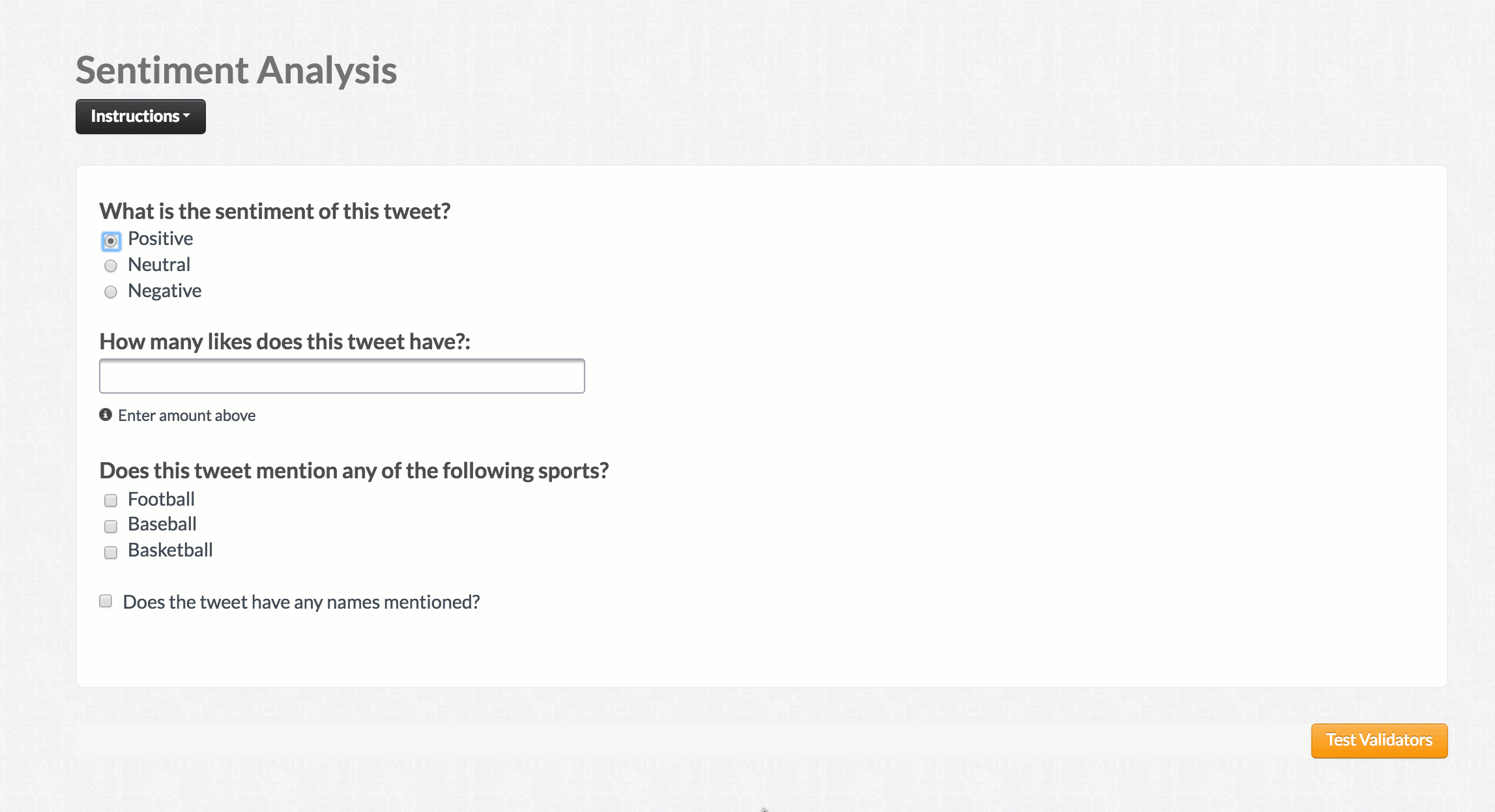
<cml:radios label="What is the sentiment of this tweet?" name="sentiment" >
 <cml:radio label="Positive"/>
 <cml:radio label="Neutral"/>
 <cml:radio label="Negative"/>
</cml:radios>
In the above example, both the cml:text and cml:checkboxes fields will be hidden/shown depending on whether the sentiment field passes the cml:radios logic.
Allowing multiple answers for cml:group
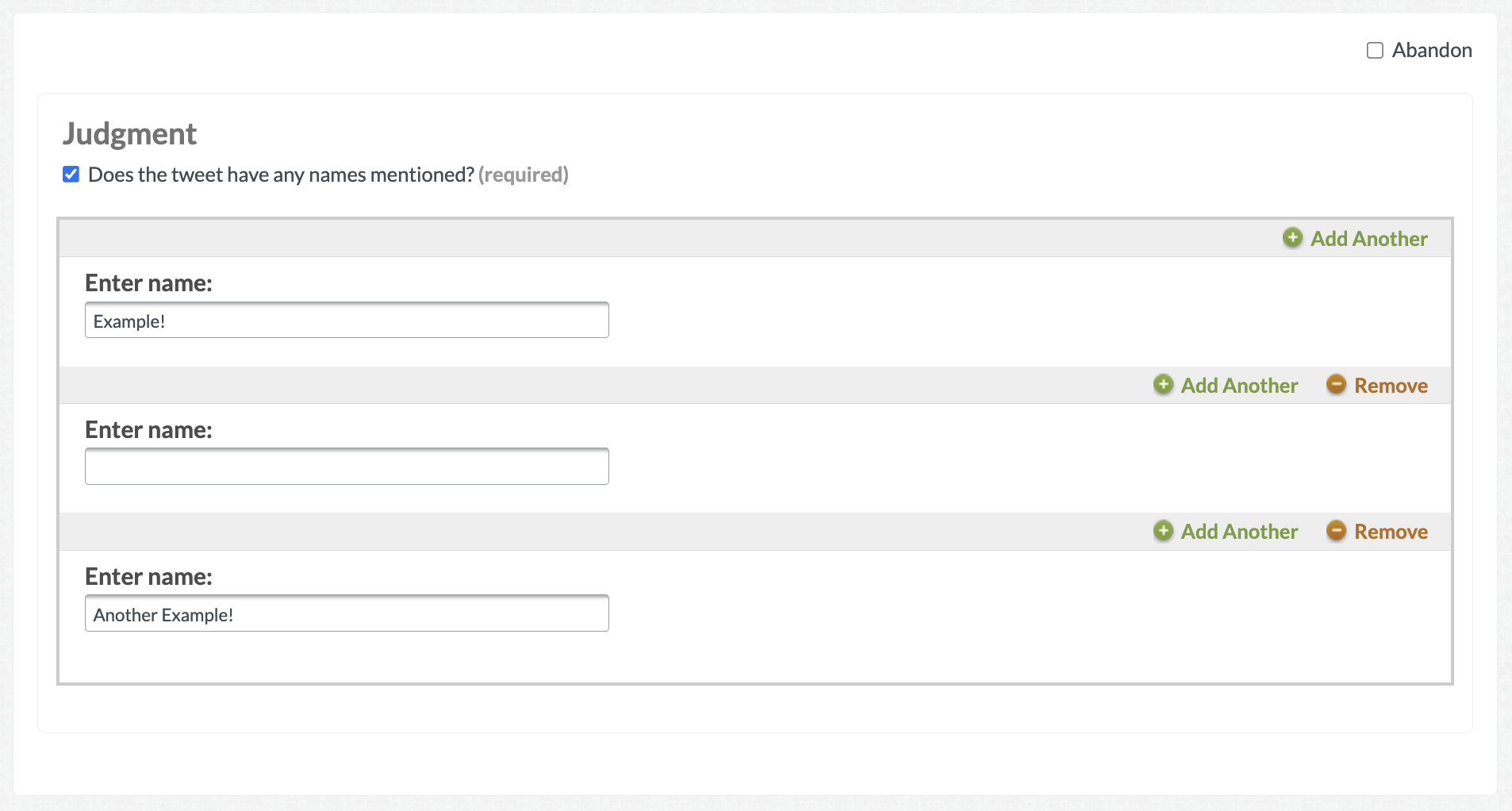
There may be occasions where multiple answers are needed for elements with cml:group. Using ‘multiple=true’ can help keep your UI looking clean and allow for as many answers as you’d like:
<cml:checkbox label="Does the tweet have any names mentioned?" validates="required" name="tweet_names" /> <cml:group only-if="!tweet_names:unchecked" multiple="true"> <cml:text label="Enter name:" name="names" /></cml:group>
⭐ NOTE The following information is supported in Quality Flow and NOT Adap Legacy:
-
You can create multiple nested groups with no maximum depth. However, we recommend limiting nesting to a maximum of three levels for a better user experience for contributors.
-
Logic can be triggered both outside and inside a
cml:group. -
Limitation – Radio Buttons in Groups:
You cannot trigger logic using radio button elements either to show a group or from within a group.-
✅ Recommended alternative: Use
cml:selectinstead.
-
-
Limitation –
cml:textwithmultiple="true":
cml:textelements withmultiple="true"do not work inside acml:group.-
✅ Recommended alternative: Nest a
cml:groupand place thecml:textinside that group.
-
QF Output:
-
When using
cml:groupwithmultiple="true", all element outputs within the group appear in a single column, separated by pipes (|).
For example, ifcml:textis inside acml:groupand a contributor creates 3 groups, the output will look like:
Response 1 | Response 2 | Response 3 -
If a
cml:textelement is optional or conditionally triggered, and the contributor does not fill it out, the output will include aNULL.
For example, if the second group was skipped or left blank, the output would be:
Response 1 | NULL | Response 3=
Example output from the previous code snippet - Within the job:
In the output:
