
Appen has the option to "View" or "Download" reports within the platform as seen in the screen shot below.
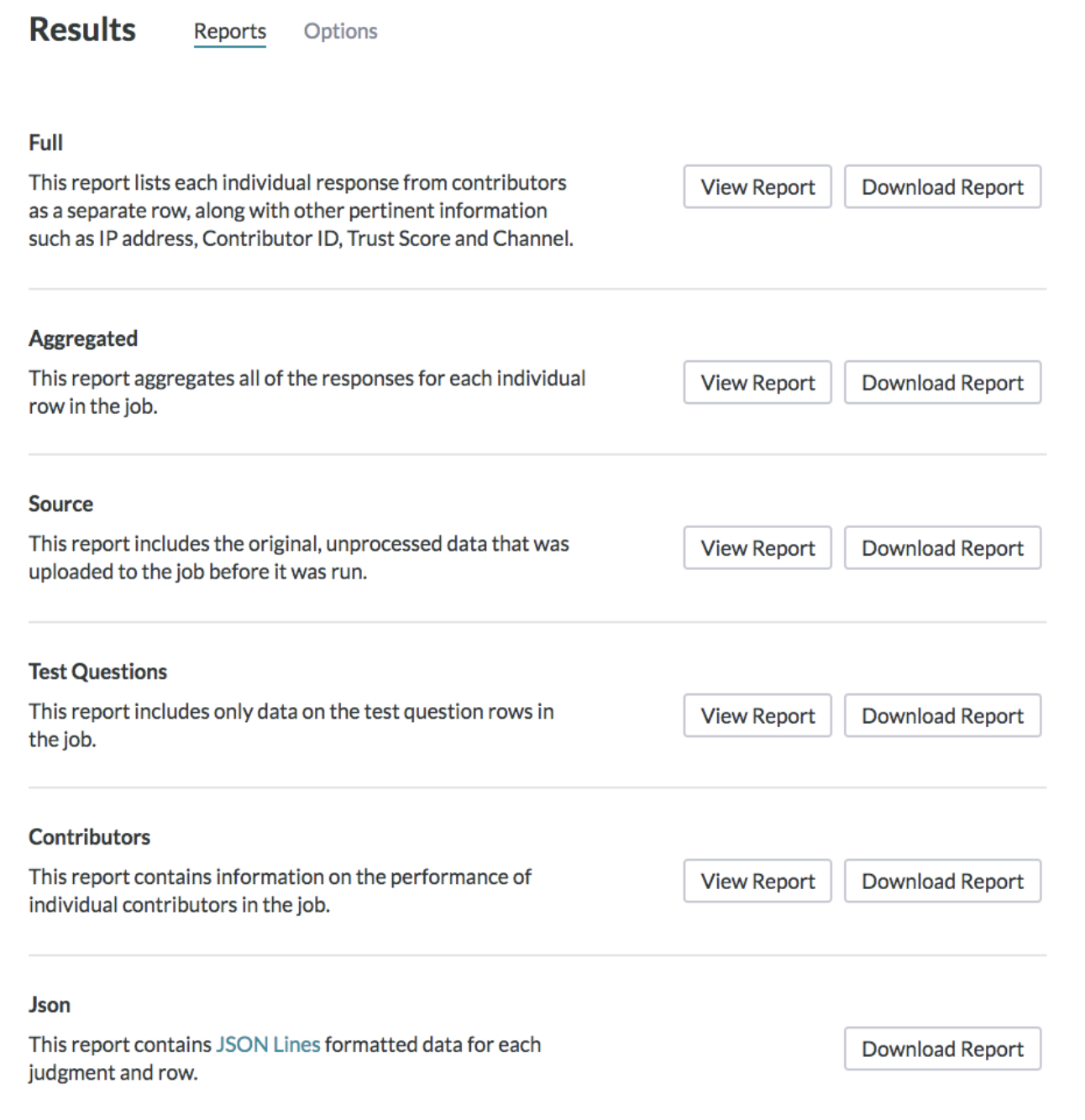
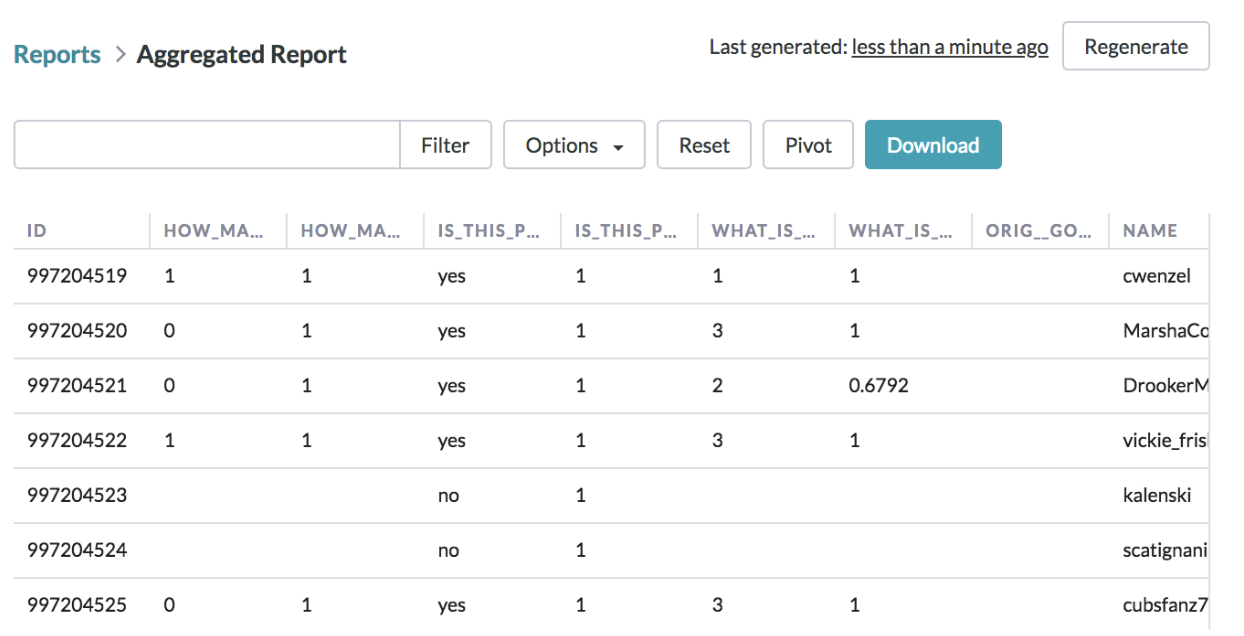
You can click on "View Report" to make adjustments to the format of your report. You will see that your report is generated by selecting this option.
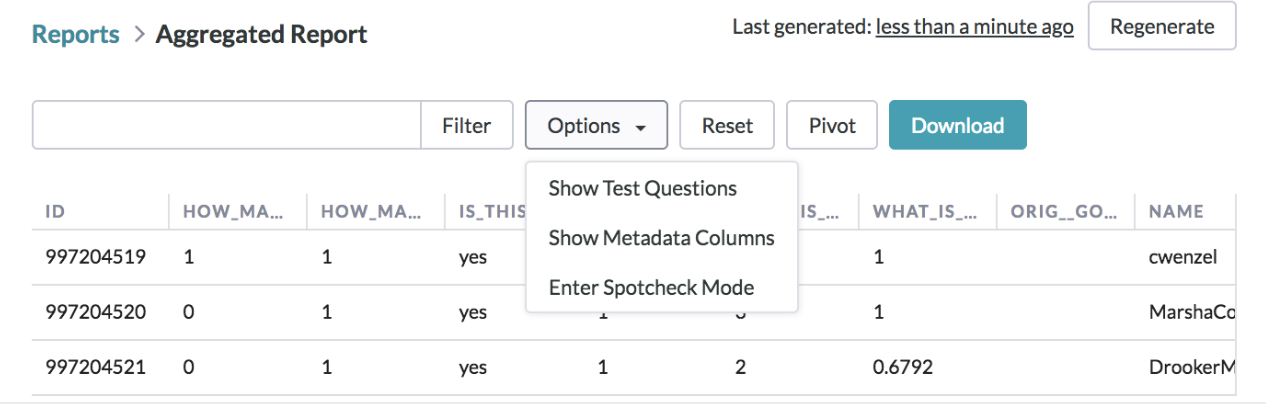
By clicking on Options, you will be shown 3 choices:
-
Show Test Questions
-
Show Metadata Columns
-
Enter Spotcheck Mode
Report features and formatting
-
Reset
-
Undo any changes to the report
-
-
Pivot tables
-
Can be created in the platform using the "Pivot" feature
-
-
Download
-
Will download a version of the edited report
-
-
Columns
-
Can be moved per your preference by holding your cursor over one of the columns and dragging to a different location.
-