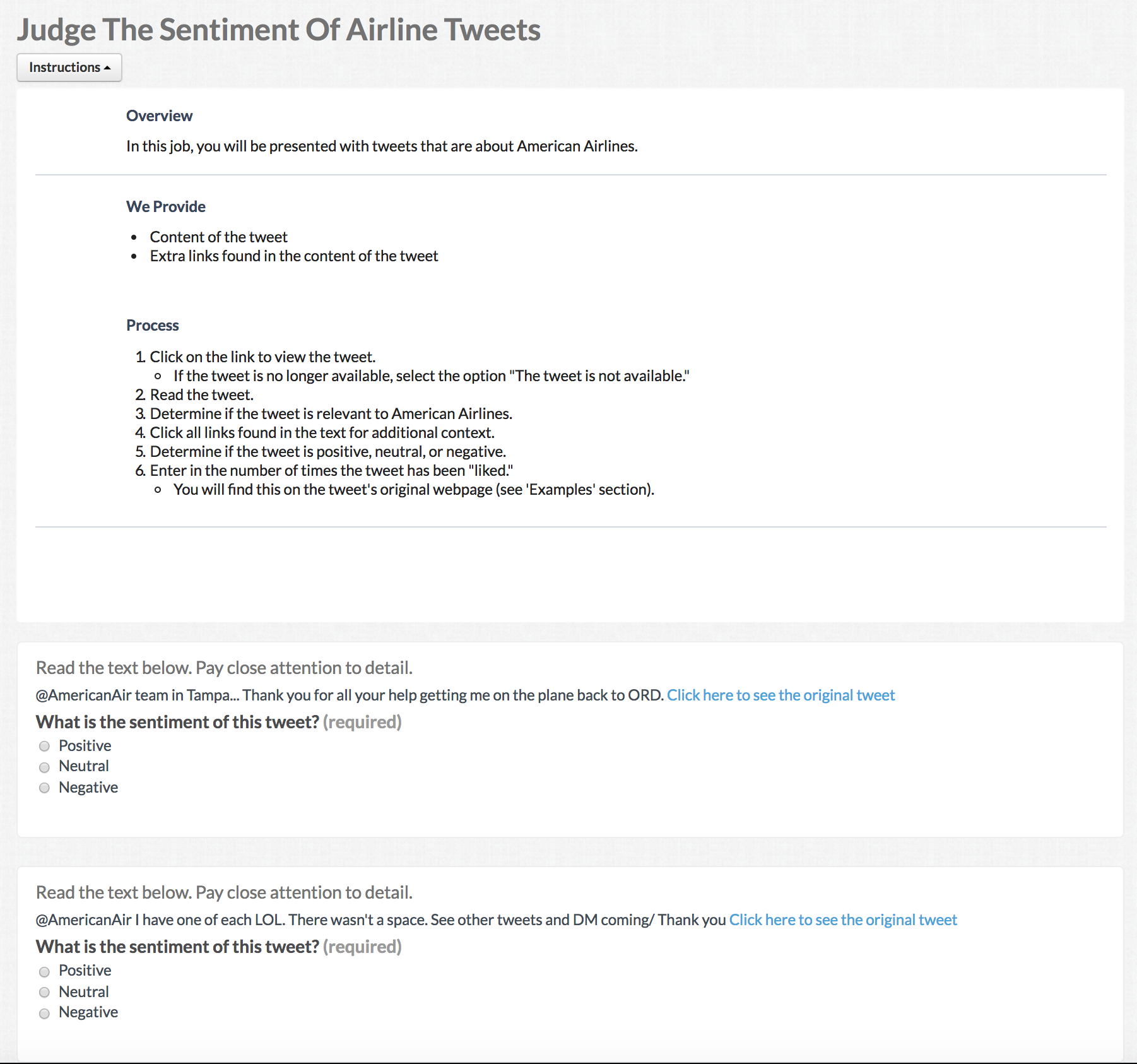
It's good practice to look at the form that you're building while you're working on it. This article shows you how to preview your job.
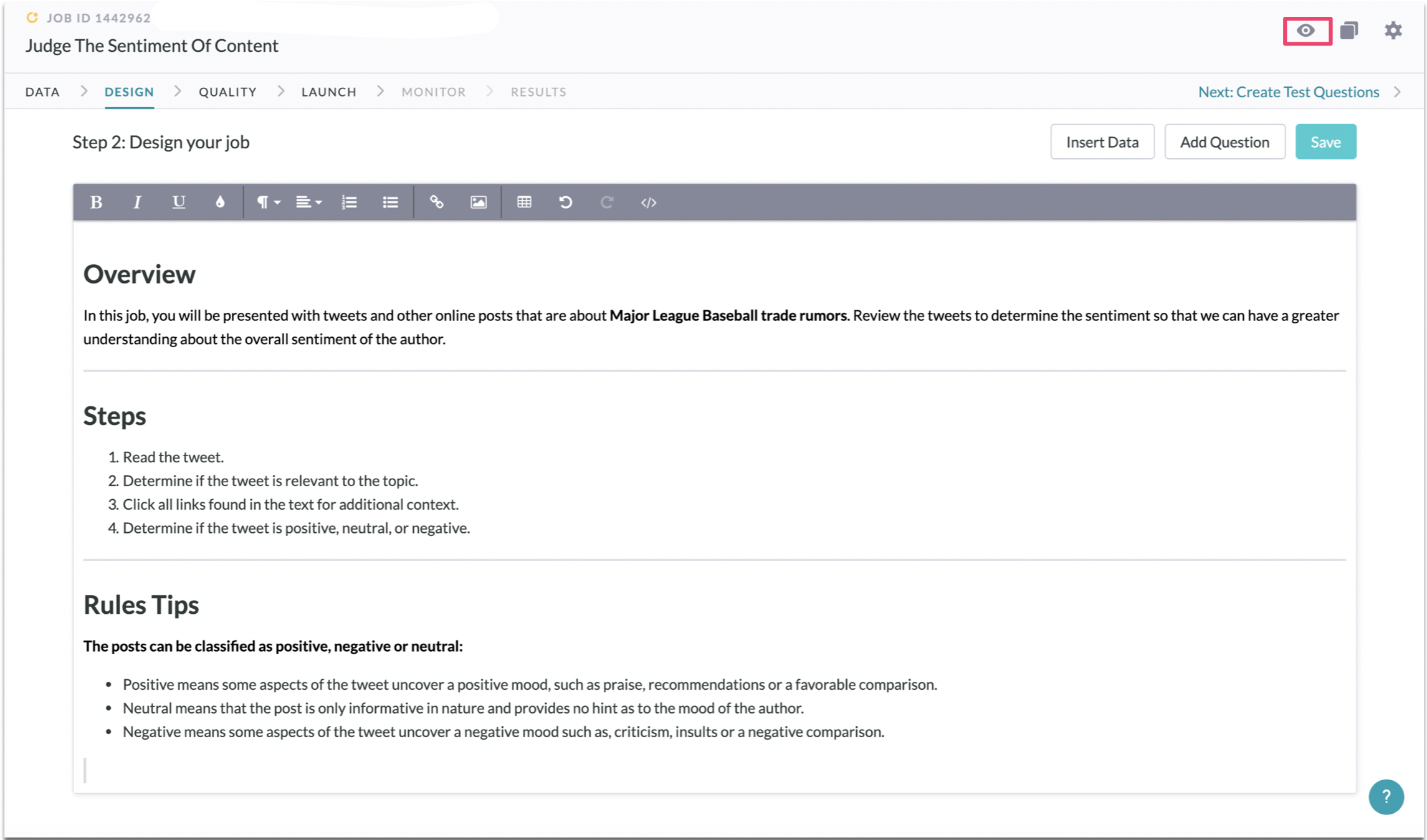
To Preview a job, click the Preview eye icon on the upper right corner of any Job page to see a preview of your job. This will display the job as it will appear to contributors. To open a preview in a new window, right-click and open in a new window.
Once in preview mode, you can click Test Validators to check any inputs entered into response fields against any validators you specified from the editor interface.