
Overview
The Appen Platform allows team members to collaborate on jobs between multiple accounts. The following article describes all of the team functionality in the Appen Platform.
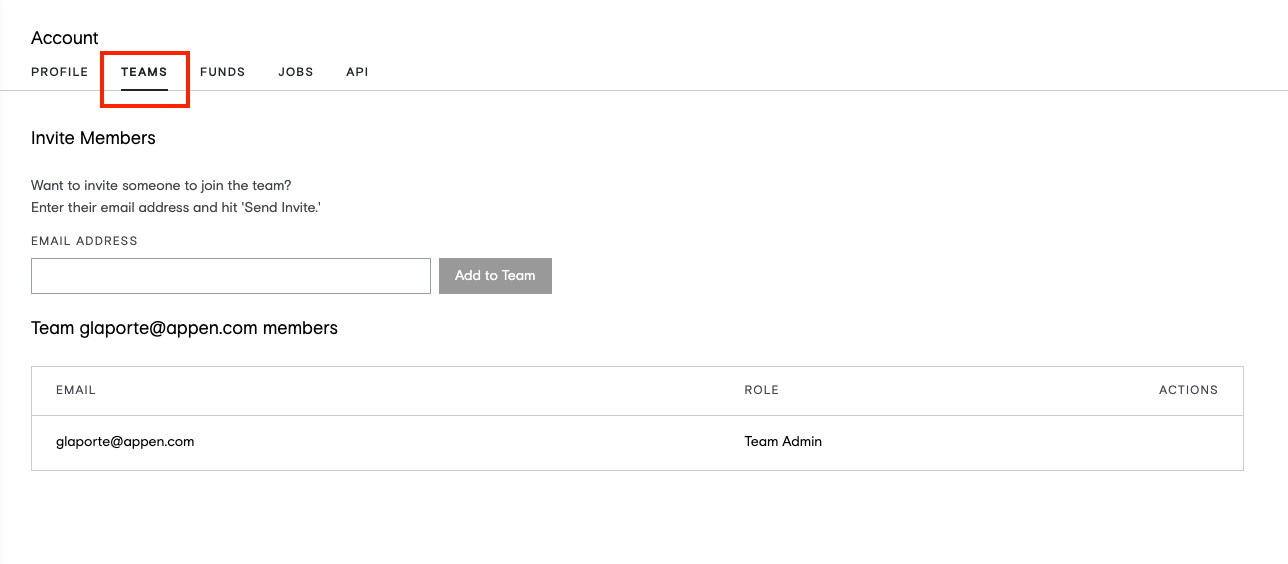
Invite Team Members
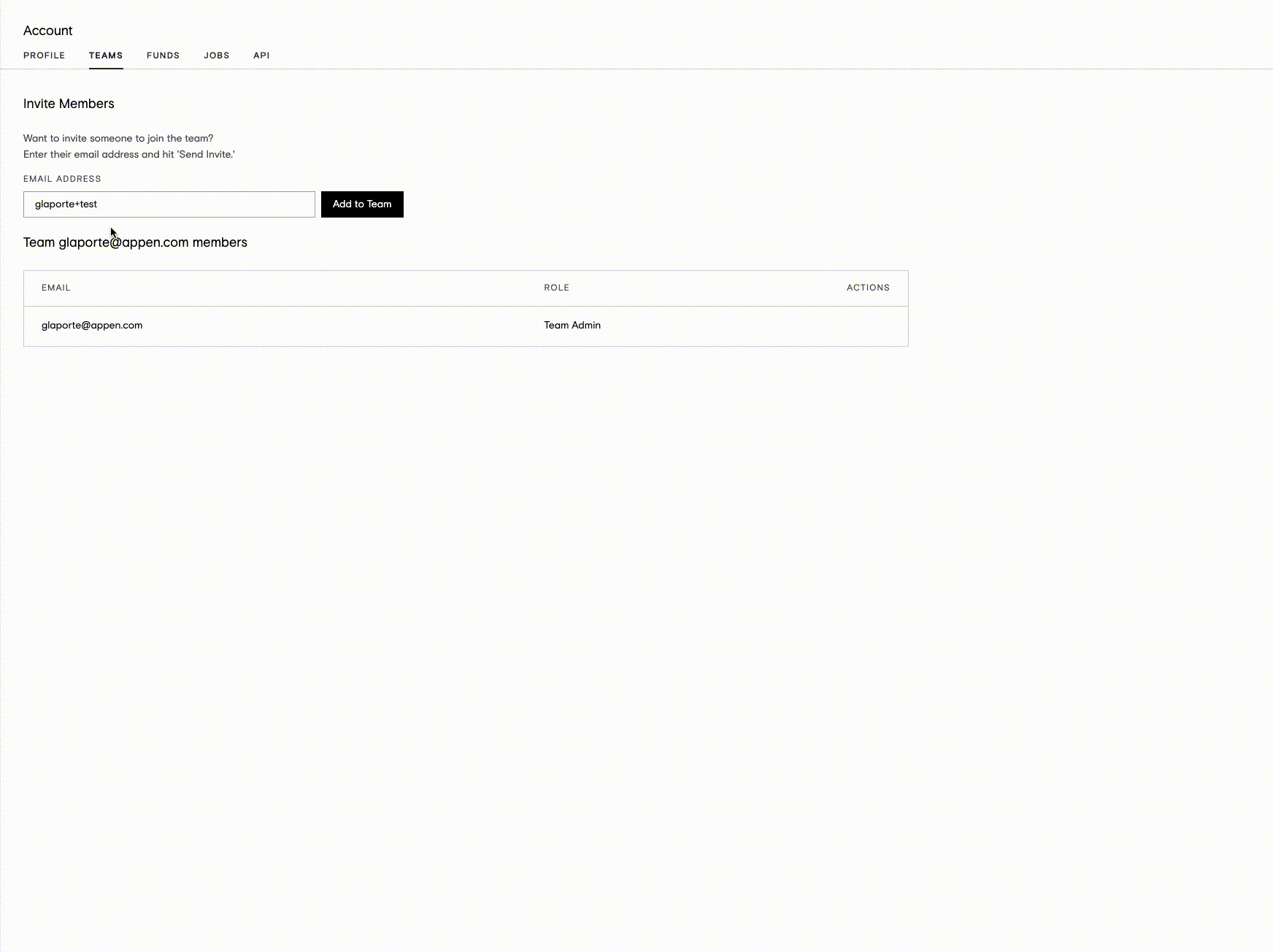
Team Admins may invite as many members to their team as they wish. To do so, enter the email address of the team member you would like to add to your team. Appen will send an email containing a unique token to that user and instructions on how to join. Invitees may be new or existing users.
Edit and Remove Team Members
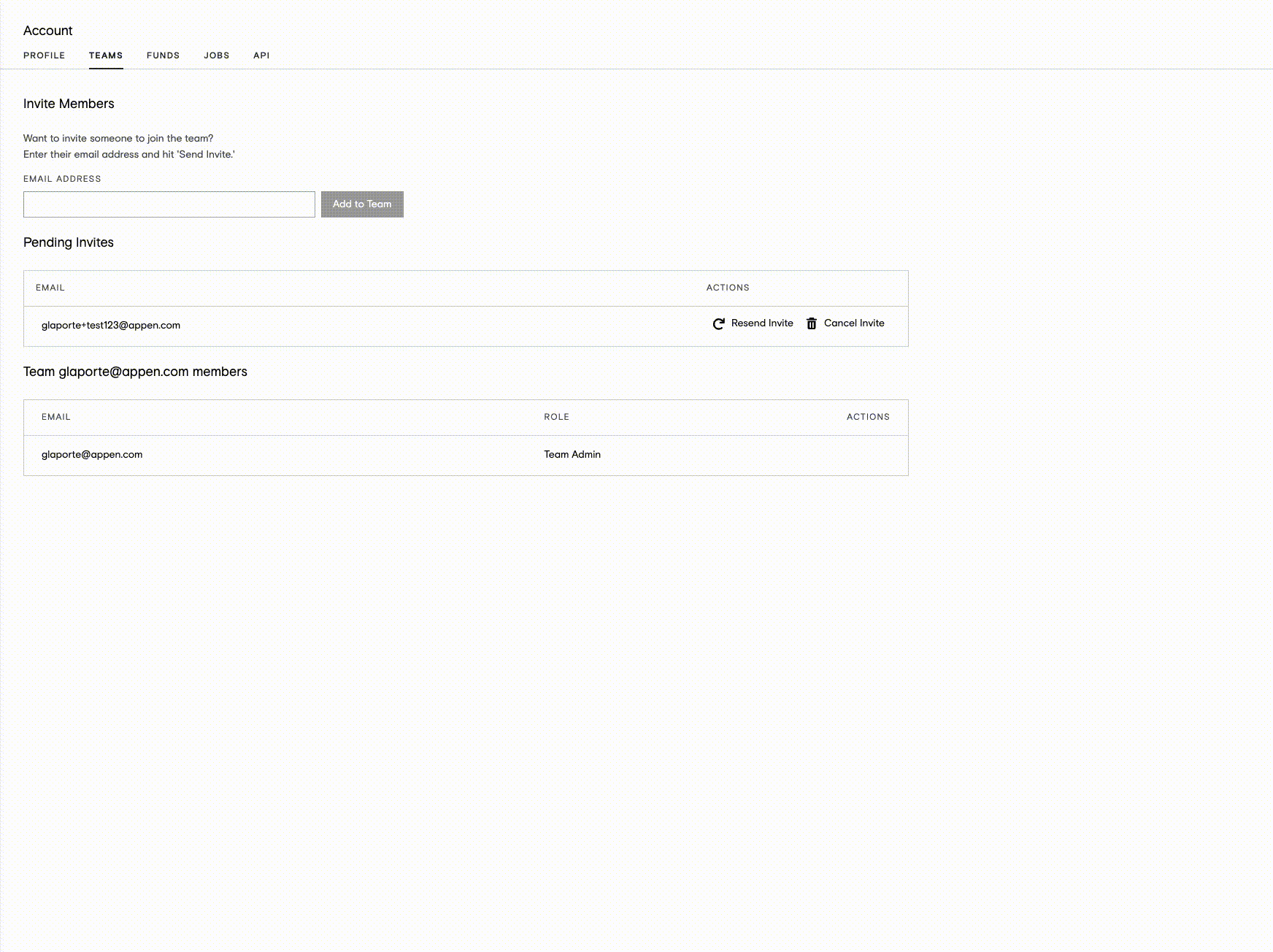
Team Admins may resend pending invitations, set permissions, and remove members at any time.